Weekly sync
Writing
What Granola gets right about me, and what I'd change
I don't work at Granola. I'm a fan who uses it every week, and this is my own audit of the app.
I've tried other AI note takers, and setup is where they lose me. I have to add the AI to each call, set it up for Meet, then set it up again for Zoom. It takes too long.
With Granola I turn it on and stop thinking about it. It takes notes whether I'm giving a talk or sitting in any other meeting. They also added a screenshot button, so the notes are more precise now because my screenshots fill in what the transcript misses. And I like that everything is grouped by project.
What I'd change
1. Let me highlight what matters
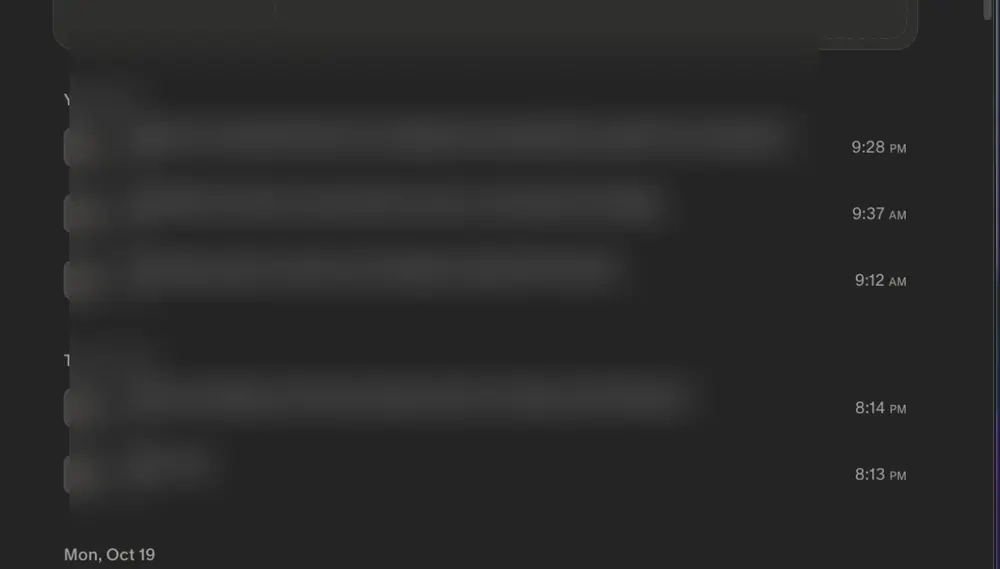
Right now every line in a note looks the same. I'd add a way to mark a message or note as important.
Before
After
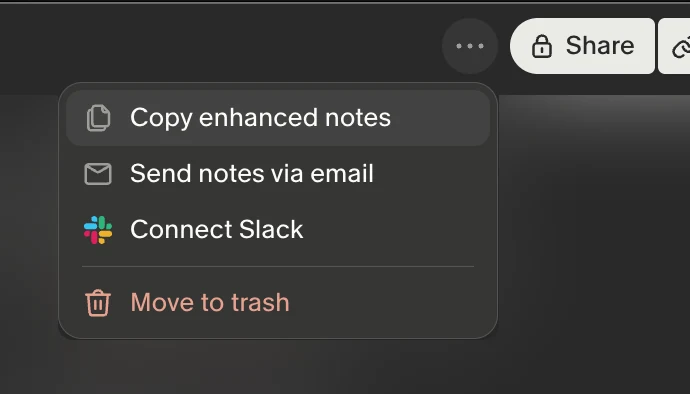
2. Bring Copy out of the menu
"Copy enhanced notes" is hidden behind the three dots. I'd put a Copy button next to Share.
Before
After
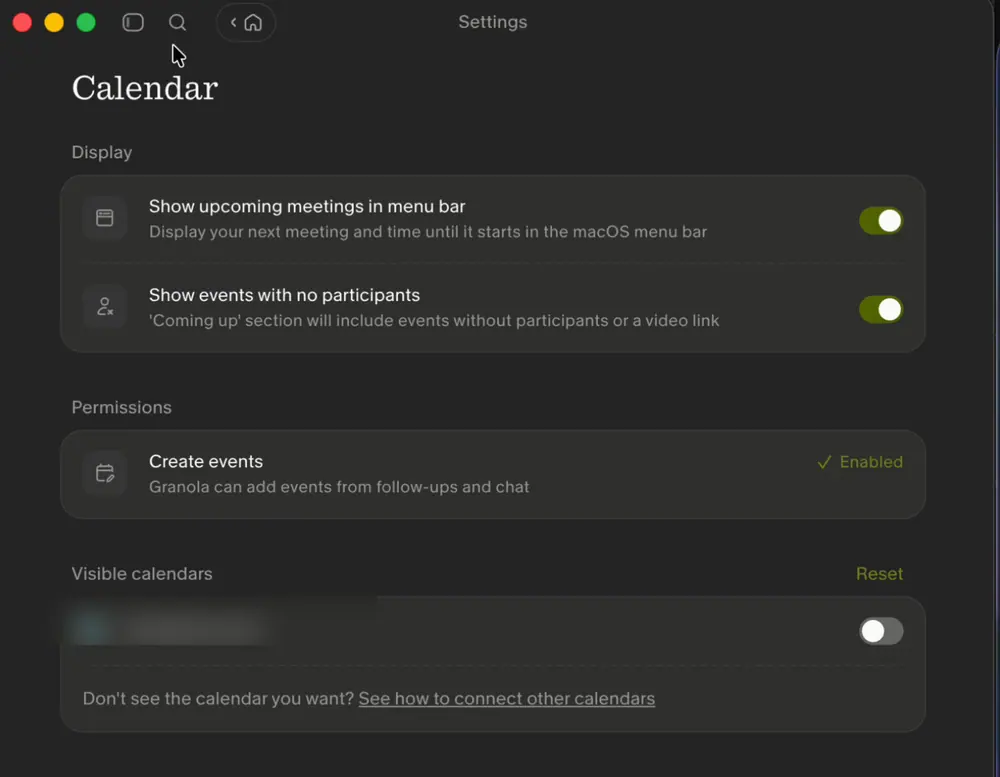
3. Keep the Coming up filters in place
Picking a filter in Coming up sends me to another tab. I'd apply the filter right there.
Before
After
Coming up
Today
Weekly sync
Thursday
Design critique
Next week
Office hours
4. Smooth the sidebar
The sidebar snaps open and closed. I'd make it slide over about 220 milliseconds and have the content ease along with it.
Loading the demo
5. Cut the buttons at the top
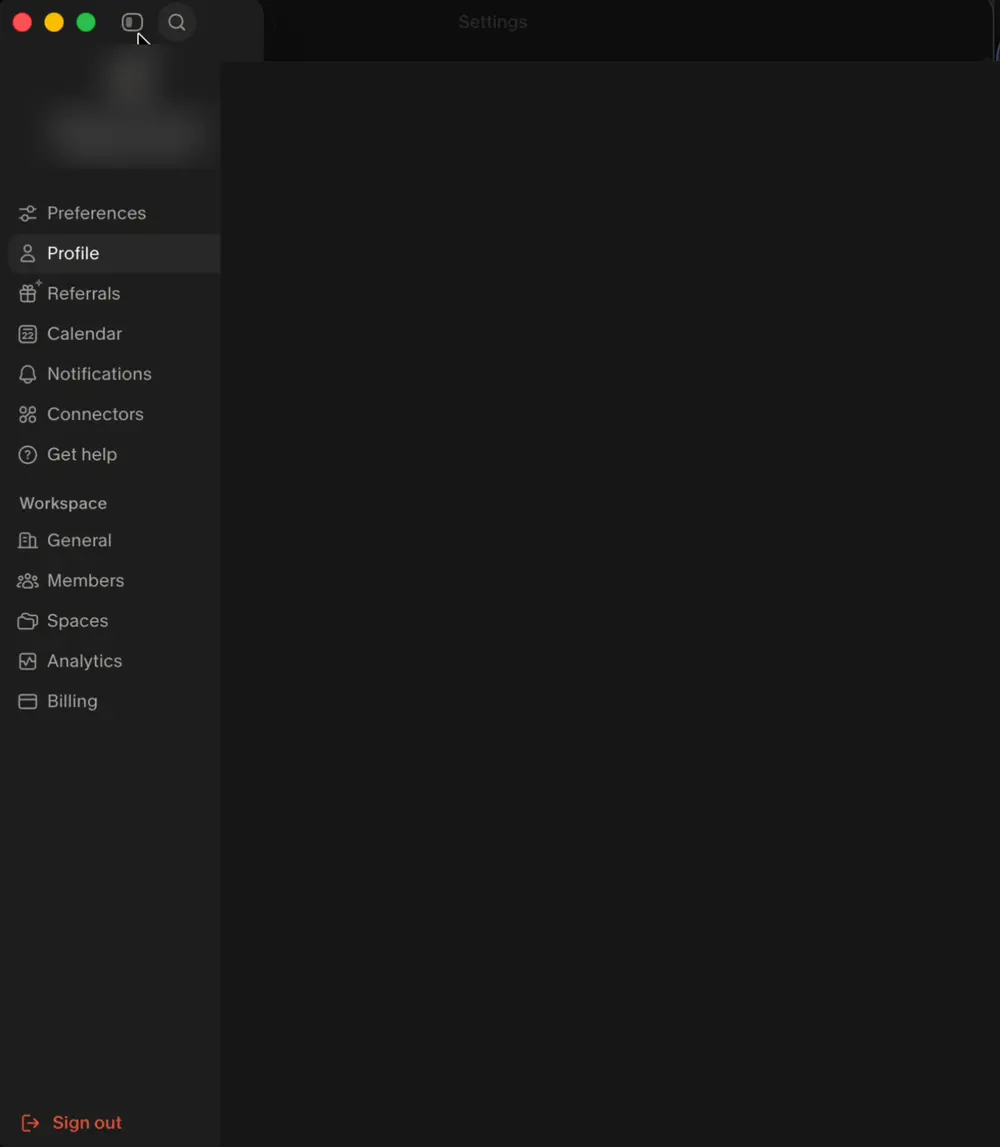
When the sidebar opens, a row of buttons that look alike shows up at the top. I'd keep only Home and move the sidebar toggle into the menu.
Loading the demo
6. Show a pointer on hover
The cursor doesn't change when I hover over buttons. I'd switch it to a pointer.
Loading the demo
7. Blur behind search
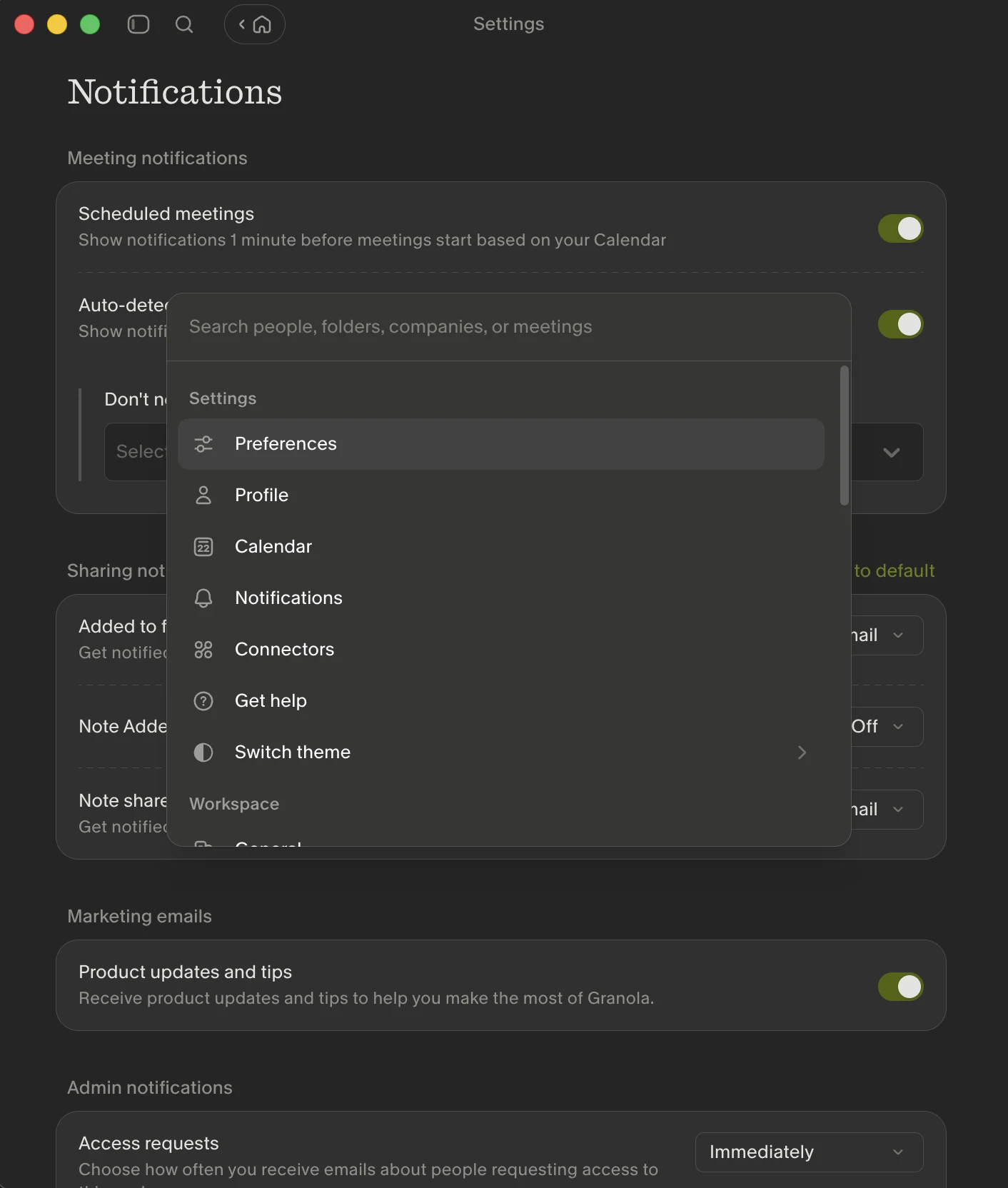
The search panel sits right on top of Settings and is hard to read. I'd add a blur behind it for contrast.
Loading the demo